

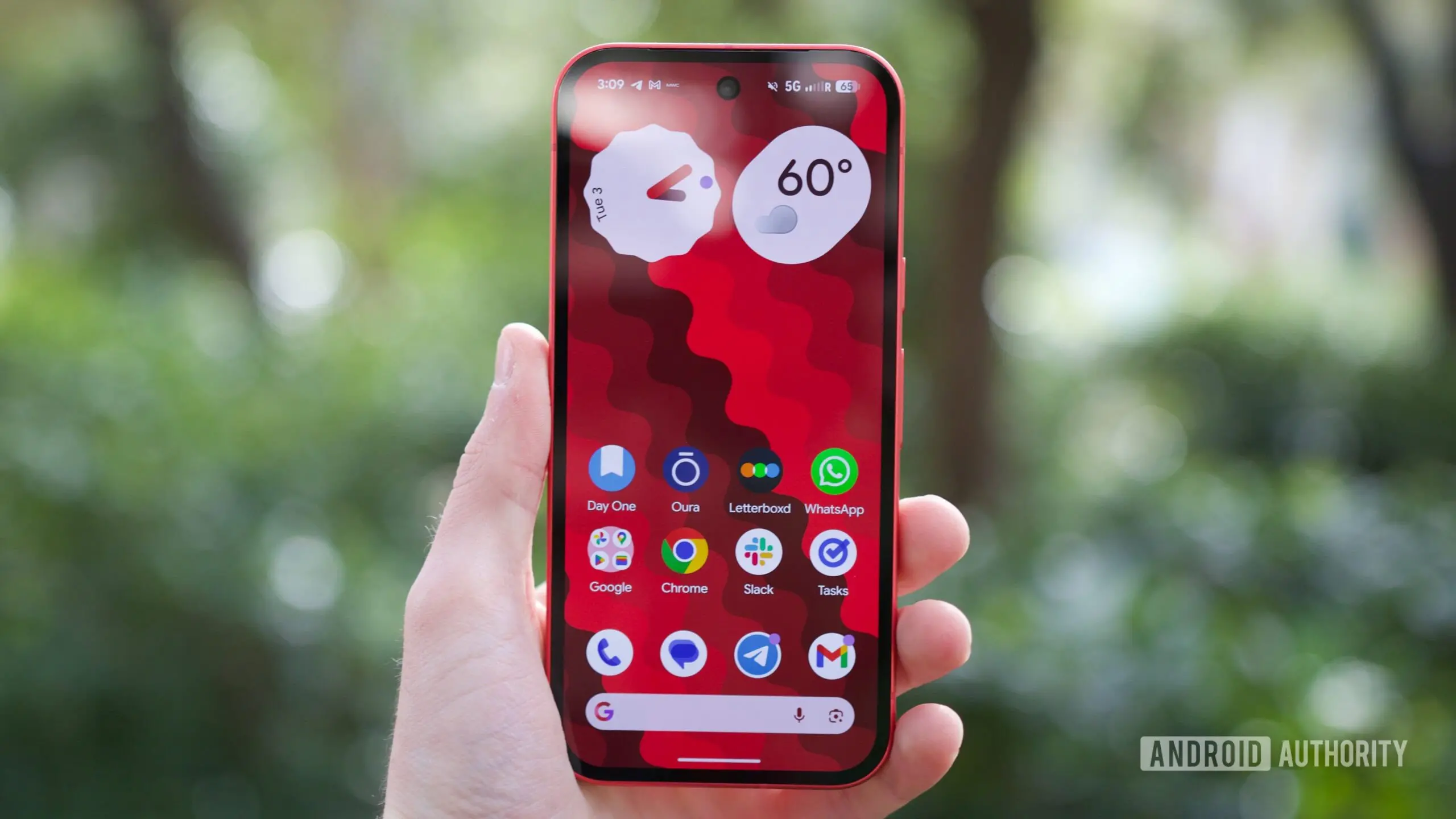
Nearly two months after Android 17 started rolling out to supported Pixel phones, another wave of touchscreen complaints is troubling owners. The latest reports describe unresponsive displays in specific situations, especially inside apps that take over the entire screen. While earlier Android 17 touch issues seemed to make the display freeze or ignore input entirely, this new problem appears to be narrower in scope and yet still disruptive.
Key facts
- Android 17 is triggering unresponsive touchscreen behavior in full-screen apps and games on Pixel phones.
- The issue can manifest as a small dead zone or an entirely unresponsive display, and rotating the device can move it.
- Google has not yet acknowledged the bug and is recommending safe-mode testing and reboots.
A bug that hides inside full-screen experiences
According to multiple threads on Reddit and Google's Pixel Community forums, affected users say the touchscreen becomes unresponsive while they are playing games or using apps in full screen. For example, playing a video on YouTube in full-screen mode can trigger the problem. The common thread is that the app is occupying the whole display, making it impossible to dismiss the issue by tapping outside the app window.
What makes this bug particularly strange is that it doesn't always lock up the entire display. Some users report that only a specific part of the screen stops responding; a corner is commonly mentioned. Others say their displays are almost entirely unresponsive while the app is open. However, even when the touchscreen fails to respond within the app, users can still pull down the notification shade or use navigation gestures. That suggests the system-level input pipeline remains active while the app itself is not receiving touch events properly.
One report adds a telling clue: if the user rotates the phone, the unresponsive zone moves with it. That behavior strongly points to a software bug rather than a hardware failure. If a physical digitizer or screen connector were at fault, the dead zone would remain fixed relative to the hardware, not move when the device is rotated.
The reports span a wide range of Pixel devices, leading users to believe the issue is not limited to one model or revision. Since so many different hardware variations are affected, a widespread Android 17 software regression seems more likely than a manufacturing defect.
A familiar problem with a new face
This is not the first time Pixel owners have dealt with touchscreen quirks after an Android 17 update. In the days following the initial release, some users reported that their displays would become temporarily unresponsive, often requiring a reboot or a few moments of waiting to recover. Google eventually acknowledged that issue and released a fix, but the new reports appear to be separate from that earlier bug.
The timing is unfortunate because Android 17 was supposed to be a productivity-focused update. It introduced App Bubbles for faster multitasking, along with a number of under-the-hood improvements designed to make Pixel devices more reliable and efficient. A touchscreen bug that only appears in full-screen apps undermines some of that polish, especially for users who rely on their phones for gaming, video streaming, or reading in immersive mode.
Google has not publicly attributed the new issue to a specific Android 17 build or update. There is also no word yet on whether a Pixel Feature Drop will include a fix. In the absence of official information, the user community has begun investigating the problem on its own.
User theories and possible causes
Because the bug is so situational, users have spent time trying to isolate the cause. One theory involves the back gesture buffer zones. Android's gesture navigation system typically reserves a small strip on the left and right edges of the screen for the back gesture. When those zones are active, the system may also be doing additional edge-detection work, and in some cases this could interfere with touch handling in full-screen apps.
Another theory focuses on the way Android 17 handles app-specific display modes. When an app enters full screen or immersive mode, the system often changes how it processes screen touches, especially around gestures, display cutouts, and aspect ratios. If the new version mishandles one of those transitions, the result could be small dead zones or unresponsive corners that only appear in certain orientations or app states.
Others suspect a rendering or multi-window issue, pointing out that full-screen apps may be using a different compositing path from normal landscape apps. This could cause touch event coordinates to be mapped incorrectly, leading to taps and swipes being ignored in certain portions of the screen. The fact that the unresponsive zone moves when the phone rotates fits that theory well.
Users have also tried comparing app-specific settings, such as screen zoom, display size, and refresh rate, to see if those variables make a difference. So far, no single configuration has been identified as the cause. Some users report the bug occurs on the default settings, while others only notice it after changing something in the display options.
Google's response so far
The Pixel Community support account has responded to some of the complaint threads, but it has stopped short of calling the issue a bug. Instead, the official response has been to ask users to test their phones in safe mode. Rebooting a Pixel in safe mode temporarily disables third-party apps and some system extensions, which can help determine whether an installed app or service is interfering with the touchscreen.
Affected users are being advised to check if the issue persists after a safe-mode reboot. If the touchscreen works normally in safe mode, that would point to a third-party component as a contributing factor. If the problem remains, it would suggest a deeper Android 17 system-level issue.
Several users have found that a standard reboot acts as a temporary workaround. Restarting the phone often restores full touchscreen functionality for a while, but the issue tends to return the next time they open a full-screen app or game. That pattern makes it feel less like a permanent hardware failure and more like a memory or state-management issue inside Android 17.
No formal bug report has been published by Google yet, and the company has not shared a timeline for when a fix might arrive. The Android bug tracker contains a number of related reports, but they have not been merged into a single acknowledged issue. Until that happens, users will likely continue to rely on unofficial fixes like rebooting or switching to apps that do not trigger the bug.
We have reached out to Google for clarification on whether this is a known issue and what steps Pixel owners should take. We will update this article if and when Google provides an official response.
How to work around the bug for now
While waiting for Google to issue a proper fix, affected users can try a few temporary workarounds. The most obvious is to restart the device when the touchscreen becomes unresponsive. Rebooting may not solve the problem permanently, but it has helped many users regain control of their phones quickly.
Another option is to avoid full-screen mode whenever possible. For YouTube, that could mean watching videos in the regular player rather than expanding them to fill the screen. For games, it is harder to avoid full-screen mode since most games run that way by default, but switching to windowed or multi-window mode might reduce the chances of triggering the bug.
Users can also check whether the issue only occurs when the back gesture is enabled. Temporarily switching to three-button navigation may get rid of the gesture buffer zones and give the touchscreen a cleaner input path. This is not a guaranteed fix, but it aligns with the theory that the back gesture buffer is involved.
If the problem persists, users should submit feedback through the Pixel Community forums or the Android issue tracker. Detailed reports with device model, Android 17 build number, and reproduction steps can help Google identify the root cause faster. Including information about whether the issue occurs in safe mode is also valuable.
What this means for Pixel owners
The return of a touchscreen bug so soon after Android 17's launch is frustrating for a user base that has already endured several update-related hiccups. Pixel phones have generally delivered a clean software experience, but the transition to a new Android version has repeatedly produced quirks that affect basic functions like the display input. The fact that this issue appears only in certain apps makes it easier to ignore for casual users, but for gamers and heavy media consumers, it can make the phone feel broken.
Google's development teams are likely aware of the reports, especially since they have been active across official and unofficial channels. The lack of an immediate acknowledgement suggests the company is still investigating. Until a patch arrives, affected users will have to manage the bug manually, whether that means rebooting, adjusting navigation settings, or avoiding full-screen apps.
Pixel owners have been through similar situations before. Android releases often see one or two lingering bugs that get resolved in a point update. The big question is whether the fix will arrive in a monthly security update or in a dedicated Android bug-fix release. Given the visibility of the issue, an urgent response would not be surprising, but Google has not yet committed to one.
For now, affected users should continue reporting their experiences and testing possible workarounds. The more data the community collects about device models, app versions, and screen settings, the easier it will be for Google to reproduce the bug and trace it back to a specific component of Android 17. Until then, the advice from Google stands: reboot, try safe mode, and avoid full-screen apps when you can.
Source:Android Authority News