

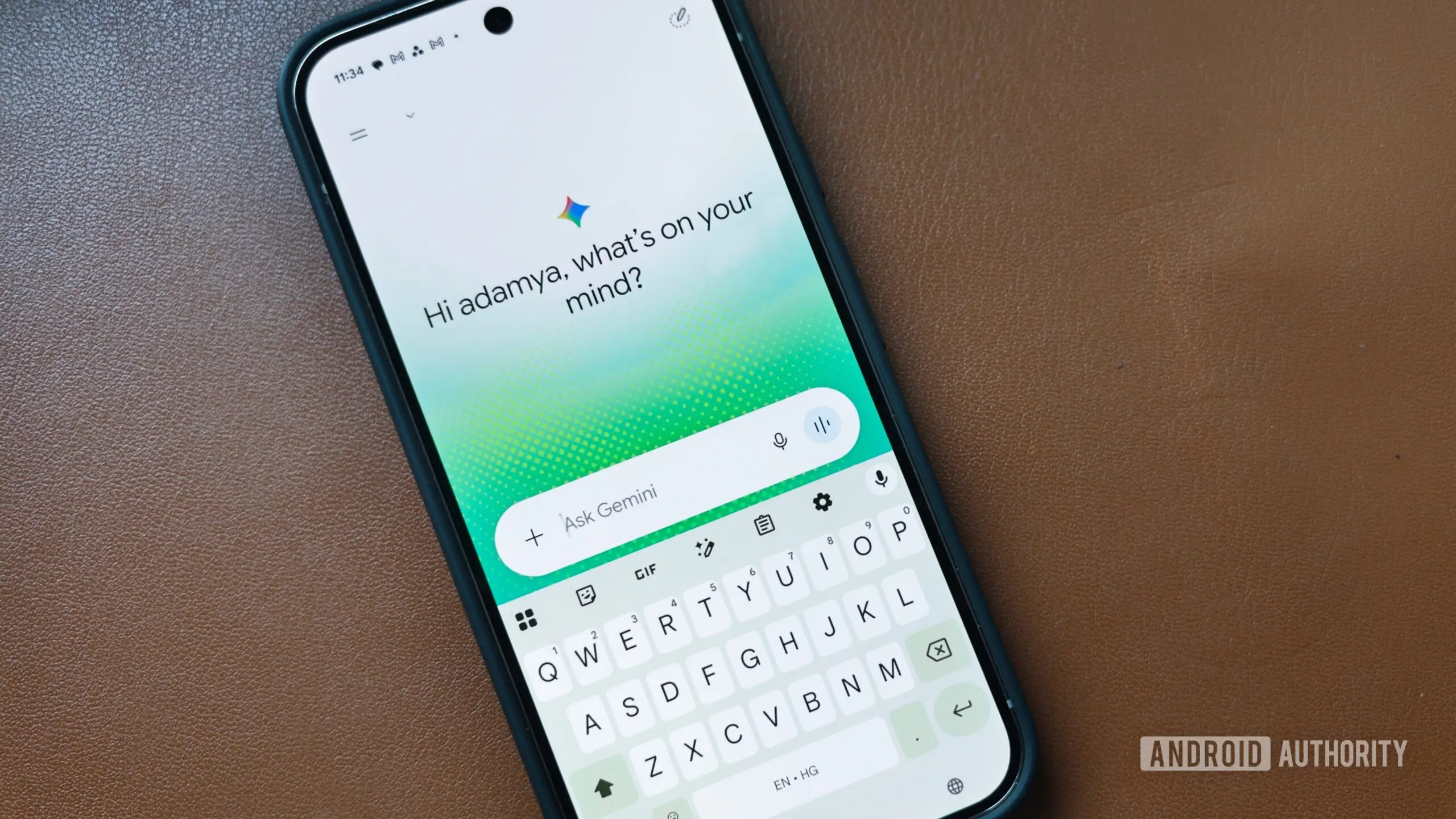
Google's long-term vision for Gemini has always gone beyond simply replacing Google Assistant. With each update, the AI has gained more awareness of your device and more practical ways to help you complete tasks. Now, it looks like Google is experimenting with another capability that could make Gemini feel even more like a built-in device assistant. The company is testing an experimental “Device Help” feature designed to let Pixel users describe common problems in natural language instead of hunting through endless Settings menus. This move signals a bigger shift: turning Gemini from a voice command tool into a proactive troubleshooting companion that understands your phone at a system level.
What is Device Help?
Device Help appears inside the Gemini app as a new feature carrying a “Labs” badge, indicating that it’s still experimental. It uses the same icon Google introduced for Magic Cue on the Pixel 10 series, suggesting that Device Help could become another piece of Google’s growing on-device intelligence experience. Rather than asking you to navigate through Settings yourself, Device Help lets Gemini diagnose common device issues and point you toward the appropriate fix. All you have to do is describe what’s wrong in natural language, and Gemini will handle the rest.
The feature was spotted on a Google Pixel 9 running the stable version of Android 17. Since it’s marked as Labs, it’s likely still under active development, and there’s no indication yet of when it will roll out more broadly. But the implications are significant: Google is no longer content with an AI that just answers questions—it wants Gemini to understand your device well enough to solve problems as they happen.
How Does It Work?
In one example shared with us, the prompt “My screen is too yellow” triggers Gemini to inspect the phone’s display settings through Google’s Utilities extension. It then identifies Night Light as the likely cause and recommends turning it off to restore normal display colors. Rather than replying with generic troubleshooting advice, Gemini appears to check the relevant device settings before suggesting a solution. That’s a critical distinction: it doesn’t just parse your words and guess—it actively looks at the current state of your phone.
This implies that Gemini is being integrated with system-level APIs that allow it to read settings, identify potential conflicts, and offer targeted fixes. For Google, this is a logical next step after years of building Android’s own diagnostics and support tools. But by putting an AI assistant in the middle, the process becomes far more conversational and intuitive.
Potential Use Cases Beyond Display Settings
While the example focuses on display settings, the feature could be useful for many everyday problems. Someone who can’t figure out why their phone is dim, why a particular feature isn’t working as expected, or where Google tucked away a setting could ask Gemini instead of digging through multiple Settings pages. Imagine typing “Why is my battery draining so fast?” and having Gemini check recent battery usage, identify problematic apps, and suggest specific changes. Or asking “Why is my Wi-Fi dropping?” and having Gemini review your network settings, sleep mode, and power saving options to pinpoint the culprit.
This is a huge step beyond the traditional “how-to” articles or static support pages. Instead of reading a generic guide, you get a personalized diagnosis based on your actual device configuration. For less tech-savvy users, this could be transformative. Many people give up on solving phone issues because the Settings menu is confusing and densely packed. With Device Help, they can simply describe their problem in plain English and receive actionable guidance in seconds.
How This Fits Google’s Broader AI Strategy
Google has been steadily expanding Gemini’s capabilities across its ecosystem. Recent updates have given Gemini the ability to control smart home devices, manage messages, and even take actions inside other apps. Device Help represents a more intimate level of integration: the AI acts as a co-pilot for your phone itself. This aligns with Google’s ongoing efforts to make AI not just a gimmick but a utility that solves real problems.
For years, Google has used “Labs” tags to experiment with new features before full rollout. The fact that Device Help is under Labs suggests that the underlying technology is still being refined, but it also indicates that Google is serious about bringing this to market. The use of the Magic Cue icon is telling—it hints that Device Help is designed to be a seamless part of the Pixel experience, not just a standalone app feature.
Moreover, this development comes as Google continues to push Android 17 updates that emphasize on-device AI processing. By keeping the troubleshooting process local and private, Google can provide a fast and secure experience without relying on cloud servers. That’s particularly important for troubleshooting tasks that involve sensitive device settings.
Potential Challenges and Limitations
Of course, there are challenges. The first is accuracy: for Device Help to be genuinely useful, Gemini must correctly interpret a wide range of user descriptions and map them to relevant settings. A phrase like “My screen looks weird” could mean many things, and the AI needs to narrow down the possibilities. Google’s existing machine learning models are quite good at understanding natural language, but device troubleshooting adds a layer of complexity because the AI must also reason about the device’s state.
Another challenge is coverage. Android has thousands of settings across different hardware manufacturers. Even on Pixel phones alone, the number of configurable options is enormous. Google will need to ensure that Device Help works with all the standard settings and also handles third-party apps’ quirks. The current example only demonstrates display settings, which are relatively simple. More complex issues, like battery drain or network problems, may involve many interrelated factors and could require a deeper level of system analysis.
There’s also the question of user trust. Some users may be wary of granting an AI access to their device settings, even if the purpose is troubleshooting. Google will need to be transparent about what data is being read and how it’s used. The on-device approach helps alleviate some concerns, but the feature will likely require a clear permission prompt before Gemini can inspect settings.
The Road Ahead for Gemini on Pixel
We’re currently seeing Device Help on a Pixel 9 running the stable version of Android 17. Since the feature is marked as Labs, it’s likely still under active development, and there’s no indication yet of when it will roll out more broadly. However, the fact that it appears on a stable Android version rather than a developer preview suggests that Google is confident enough to let regular users try it, albeit in a limited capacity.
If Google expands Device Help beyond basic troubleshooting, it could become one of the quickest ways to solve common Pixel frustrations. The feature could eventually integrate with Google’s support resources, offering direct links to help articles or the ability to contact support if Gemini can’t resolve the issue. It could also learn from user feedback over time, becoming more accurate as more people use it.
For Google, the goal no longer seems to be building an AI that responds to prompts, but one that understands your device well enough to help solve problems as they happen. That’s the kind of everyday utility that could make Gemini genuinely indispensable on Pixel phones. Whether it’s fixing a yellow screen, explaining an obscure setting, or diagnosing battery drain, Device Help represents a future where you never have to search through Settings again—you just ask your phone what’s wrong.
As this feature matures, we can expect Google to integrate it deeper into the Android experience. Perhaps future versions of Android will have Gemini embedded more tightly into the Settings app itself, or Device Help will be expanded to support non-Pixel devices. For now, Pixel users are getting the first taste of what an AI-powered device assistant can truly do.
While many details remain unclear, the direction is unmistakable: Google is betting that the next big shift in phone support will be conversational AI that understands your hardware as well as it understands your language. The days of digging through dense menus and vague help pages may soon be numbered, replaced by a simple conversation with your phone’s built-in assistant. That would be a welcome change for anyone who has ever stared at a Settings page wondering what a particular toggle actually does.
Source:Android Authority News