

Can AI Finally Tame a Decade of Digital Clutter?
After 14 years of using Google Drive, I have accumulated 340GB of data. That includes years of Google Docs, Sheets, Slides, Gmail attachments, personal scans, tax documents, screenshots, PDFs, drafts, and random downloads. I also pay for a 2TB iCloud+ plan because I have 488GB of data there, including nearly 40,000 photos. The real problem is that I am a heavy Google Workspace user, and my Drive has become a dumping ground. I pay $20 a month for Google AI Pro, which gives me 5TB of storage and access to Gemini AI. I also pay $20 a month for ChatGPT Plus. I know I need to cut subscriptions, but my Drive is so daunting that I mostly stopped trying to manage it.
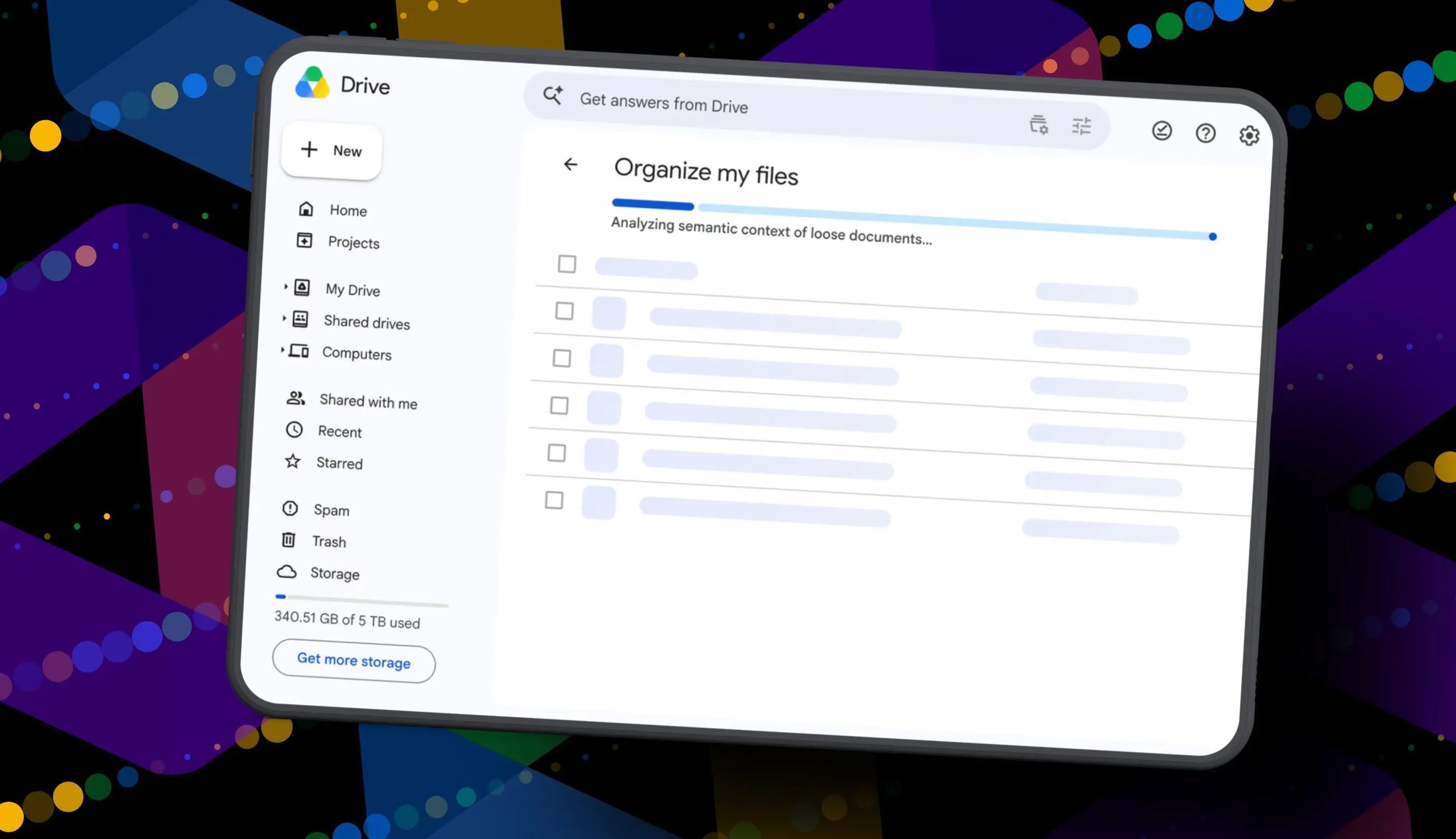
Recently, I noticed a quiet launch from Google: the Organize My Files feature. It promises to use Gemini AI to suggest moving loose files into existing folders or creating new folders for related files. Users can review everything before anything moves. I wondered if this could finally help me declutter, organize, and simplify my Drive. If it worked, maybe I could eventually move my data out of Drive and cancel my Google AI Pro plan. But I also hesitated because my Drive contains sensitive documents like my house deed, a copy of my will, and LLC business details. Giving a third-party AI broad access to that data felt risky. Still, I decided to test the tool.
Key Takeaways
- Gemini can suggest Drive file moves and new folders.
- Organize My Files requires Google Workspace or Google AI access.
- The tool is useful but still feels limited and unfinished.
What Is Organize My Files?
Organize My Files is a Google Drive feature that uses Gemini AI to analyze loose files and recommend organizational changes. It can suggest moving files into folders that already exist in Drive. It can also suggest creating new folders for related groups of files. The feature is designed to reduce manual sorting by surfacing potential moves in a review window. Nothing changes until the user approves the suggestions. Google says the feature appears in My Drive and in parent folders. It is currently limited to Google Workspace and Google AI subscribers. Workspace smart features must also be enabled for it to appear in Drive.
The tool is part of a broader push to embed AI into productivity software. Cloud storage has become a central part of modern work and personal life, but storage management has not kept pace. Users often accumulate files across many years, devices, and accounts. AI promises to understand context and make suggestions that would take hours to do manually. However, the effectiveness of such tools depends on how well they scan, prioritize, and understand user intent. Early versions often miss obvious clues, such as files marked for deletion or older documents that need attention.
How to Use Organize My Files
To try the feature, you need a Google account with a messy Drive. You also need a Google Workspace or Google AI subscription. Once you log in, open Google Drive in a browser and click My Drive. Look toward the top of the file and folder list for a button called Suggest File Moves. Clicking it opens the Organize My Files window. Gemini then begins analyzing loose files and suggesting ways to clean them up.
After about a minute, Gemini serves up recommendations. They are divided into two main types. First, Gemini may suggest moving files into existing folders in Drive. Second, Gemini may suggest creating new folders for related groups of files. Users can preview all files and folders through hovercards or open them in a new tab for a closer look. Then it is time to use checkboxes to select or deselect any file or folder. If a suggested folder name is odd, you can rename it. You can also check destinations for folders and change the target if needed. Once the suggestions look right, you approve the changes. Gemini then performs the file or folder moves in one batch and returns to My Drive.
My Test: 19 Suggestions and a Lot of Skepticism
After all that, Gemini suggested 19 moves for me. Nineteen. And it mostly surfaced recent files I had created or uploaded. Some of the suggestions made sense. Gemini wanted to move my resume and a couple of resumes I had helped family members create into an existing resume folder. It also suggested creating a new Family and Real Estate folder for house deed documents. It proposed a Travel Planning folder for upcoming summer trip itineraries stored in Drive. Those ideas were reasonable and showed that the AI could recognize some patterns.
But one of the files it grouped under Travel Planning was literally called Delete. It is a document I want to delete. Gemini did not realize that, nor did it suggest deleting it. That oversight revealed a gap in the tool's understanding. If an AI cannot recognize a file named Delete as potential trash, it is not ready to handle a serious cleanup. To be clear, I have hundreds of gigabytes of data and years of clutter sitting in potentially thousands of folders in Google Drive. A 19-file suggestion barely scratches the surface.
Still, I approved the changes Gemini recommended. For the heck of it, I ran the tool again. In about 30 seconds, it suggested the same thing: the same file moves, the same new folders, and the same changes it had just made. Weird. This feels half-baked. The tool did not learn from the first round. It did not recognize that the files were already moved. It simply repeated the same recommendations.
Why the Tool Feels Unfinished
It is not the sweeping cleanup assistant for Drive that I was hoping for and need. The feature seems to focus on loose files at the top level or in specific parent folders. It may not dig deep into nested folders. It may not prioritize older files over recent ones. It may not identify obvious trash. And it may not surface deeper organization tips, such as merging duplicate folders, archiving old projects, or flagging large files for review.
Maybe it will get better over time. It did just come out of beta, and it is possible Google will improve how Gemini scans Drive. Future updates could help it prioritize older files, recognize obvious trash, and surface deeper organization tips. But I do not want to run the tool in 1,000 different parent folders and hope it finds something new each time. I want a single dashboard that understands my entire Drive and gives me a prioritized cleanup plan. That is the kind of assistant that would justify the subscription cost.
The Subscription and Privacy Problem
The feature also highlights a growing tension in the AI era. Many advanced tools are locked behind subscriptions. Google AI Pro costs $20 a month and includes 5TB of storage. Google Workspace plans also include smart features, but they are aimed at businesses. For individuals with years of digital clutter, the choice is often between paying more for convenience or spending hours manually organizing files. That is not an easy trade-off, especially when subscription costs add up. I already pay for iCloud+, Google AI Pro, and ChatGPT Plus. I need to cut costs somewhere.
Privacy is another concern. My Drive includes a house deed, a copy of my will, and LLC business details. Giving a third-party AI broad access to that data is a significant decision. Google says users can review suggestions before anything moves, which helps. But the AI still scans the files to make recommendations. That means sensitive documents are processed by the system. For many users, that trade-off may be acceptable. For others, it is a dealbreaker. A cleanup tool must be transparent about what it scans, what it stores, and how users can limit access.
What This Means for AI in Cloud Storage
Google is not alone in adding AI to storage and productivity apps. Microsoft has been adding Copilot features to OneDrive and Microsoft 365. Dropbox has introduced AI-powered search and organization tools. Apple has been integrating AI into its ecosystem, though iCloud organization remains relatively manual. The race is on to make cloud storage smarter, but early implementations often feel like experiments. They can handle simple patterns, such as grouping resumes or trip itineraries, but they struggle with context, intent, and long-term clutter.
The real promise of AI cleanup is not just moving files. It is understanding what matters, what can be archived, what can be deleted, and what needs action. It is about reducing cognitive load. A good assistant would notice that a tax document from seven years ago can be archived. It would flag a large video file that has not been opened in years. It would suggest deleting duplicates. It would learn from user decisions and improve over time. Right now, Organize My Files does not do enough of that.
For users with modest Drive accounts, the tool may be a helpful nudge. It can create a few folders and move recent files into them. But for anyone with a decade of digital debris, it is not a solution. It is a start. And a start is not enough when the problem is thousands of files and hundreds of gigabytes.
After my test, I approved the changes Gemini recommended. My Drive is still messy. I still have a $20 AI Pro subscription. I still have not canceled ChatGPT Plus. The tool did not transform my storage situation. It did not save me from the daunting task of manual cleanup. It did not give me a reason to drop my paid storage plan. For now, I am still stuck with a messy Drive and the monthly charge. Maybe one day the AI will get better. Maybe one day I will find the time to clean it all up. Until then, the clutter remains.
Source:ZDNET News