

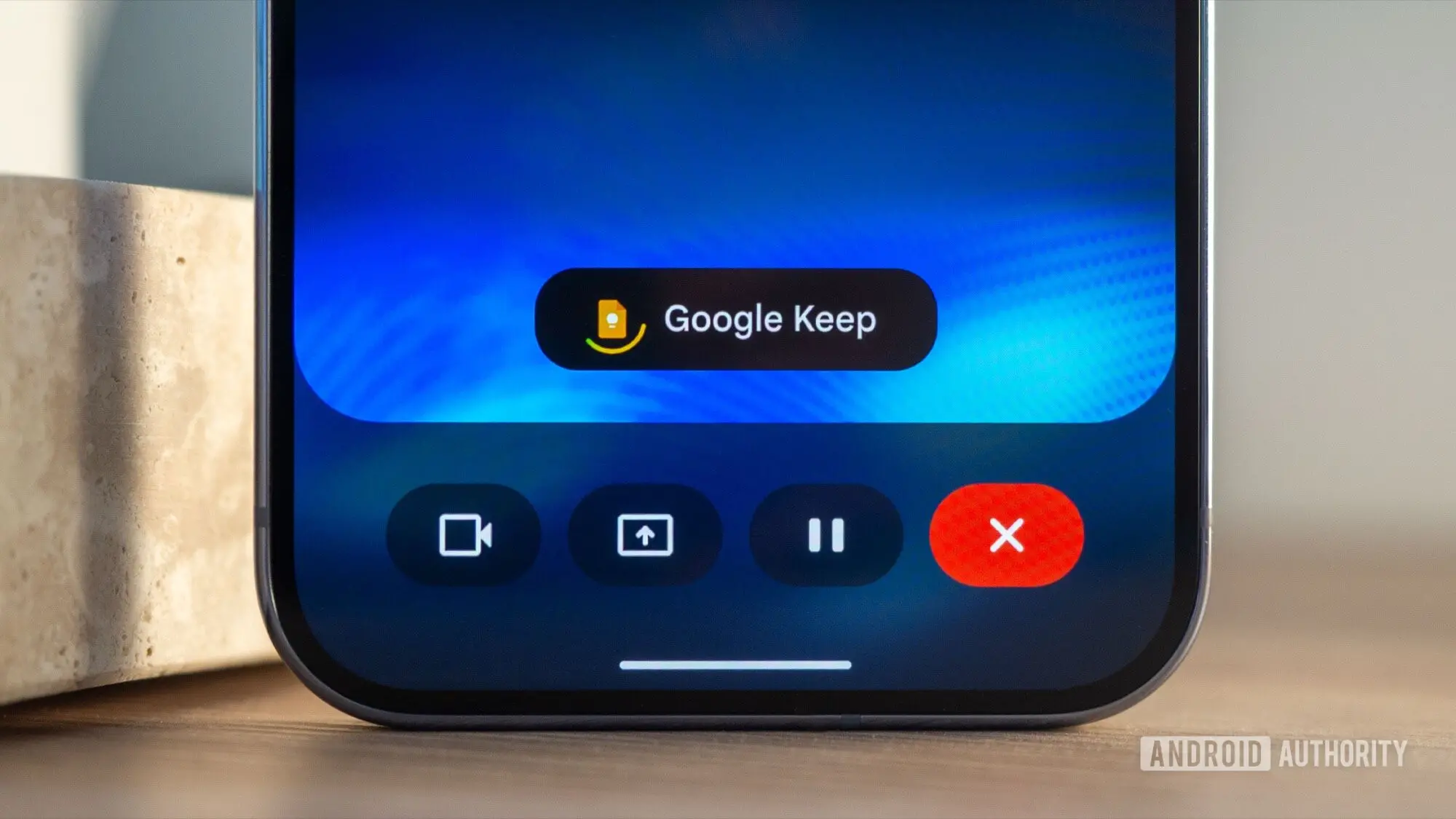
Google is now rolling out the Gemini-powered voice experiences for Gmail, Docs, and Keep that it first previewed at Google I/O. The features, called Gmail Live, Docs Live, and Keep Live, let users speak naturally instead of typing, and Gemini turns that speech into useful actions across three of Google's core productivity tools.
The rollout begins this week for eligible Google AI subscribers. The launch covers mobile devices in English globally. Workspace business customers are expected to receive access later. The timing falls in line with Google's earlier promise that the tools would arrive this summer, following early glimpses and limited previews.
Key facts at a glance
- Gmail Live can answer questions using information from messages across a user's inbox.
- Docs Live can shape spoken requests into structured documents with context from Google services.
- Keep Live can turn free-flowing spoken thoughts into organized notes and lists.
- Gmail Live and Keep Live are available to Google AI Plus, Pro, and Ultra subscribers.
- Docs Live is available to Google AI Pro and Ultra subscribers.
- The features are rolling out on mobile in English globally. Keep Live is Android-only for now.
- Google says Workspace business customers are next.
A more conversational Gmail
Gmail Live is designed to solve a common problem: remembering details across a busy inbox. Instead of searching through messages or trying different keyword combinations, users can ask a question out loud. Gemini can then retrieve and connect information from multiple emails to provide a synthesized answer. For example, a user might ask when the next school event is, find an order update, or locate details buried across several message threads.
The voice experience is also conversational in a way that traditional search is not. Users can ask follow-up questions, change direction mid-conversation, or interrupt the assistant while it is speaking. A transcript remains visible on screen, and relevant emails are linked so people can check where an answer came from.
That combination is especially useful in situations where using the inbox is difficult, such as while commuting, multitasking, or relying on a small phone screen. It can reduce the need to open and read messages one by one when the goal is simply to get an answer.
Docs Live for voice-driven writing
Docs Live applies the same voice-first idea to writing. Rather than simply dictating sentences to be transcribed, users can describe what they want to create. Gemini shapes the spoken thoughts into a structured, context-aware document. Users can define the intended outcome, such as a summary, proposal, or another format, and the assistant organizes the output around that objective.
A bigger advantage comes from Docs Live's connections to other Google services. While building a document, it can pull relevant information from Gmail, Drive, Chat, and the web. This means a user could ask for a draft based on details in an email and a file stored in Drive without manually switching between apps to find and copy that material. The contextual layer makes the feature feel more like a collaborative assistant.
This could be useful for creating meeting summaries, drafting replies, preparing project briefs, or pulling together research notes. Since the voice session keeps a transcript on screen, it remains possible to verify sources and adjust instructions as Gemini works.
Keep Live for structured notes
Keep Live may be the most intuitive of the three, especially for anyone who has used Google's Rambler voice input technology. Both allow users to speak naturally and leave the processing to Gemini. The difference is the output. Rambler is designed to turn spoken input into polished text. Keep Live goes further by taking a free-flowing brain dump and organizing it into useful notes and lists.
For example, a user can say they need ingredients for pesto pasta. Gemini can understand the intent and arrange the note in a helpful way, without requiring the user to format every request manually. The result is a tool that feels more like a note-taking assistant than a traditional voice recorder.
Keep's approach is also helpful for capturing thoughts, shopping lists, reminders, and quick ideas in a structured form. Instead of typing out categories or bullet points, the user can express a messy idea and let Gemini handle structure and organization.
Why this is different from voice typing
Voice typing has existed in many productivity apps for years, but it generally works by converting speech directly into text. The new Gmail, Docs, and Keep experiences are different because Gemini is responsible for reasoning over the content, not just transcribing it.
Gmail Live can find relationships between messages and provide answers based on a synthesis of information. Docs Live can gather and reference content from multiple sources while generating new material. Keep Live can infer structure from a stream of thoughts. That moves these tools beyond simple speech recognition and into the realm of task completion and content creation.
Another difference is the conversational element. Users can ask follow-up questions, clarify points, or interrupt while Gemini is speaking. This lets people work through ideas iteratively rather than trying to phrase a perfect command on the first attempt.
Availability and subscription requirements
The rollout begins this week. Gmail Live and Keep Live are available to Google AI Plus, Pro, and Ultra subscribers. Docs Live is available only to Pro and Ultra subscribers. All three features are available on mobile in English globally. Gmail Live and Docs Live are supported on both Android and iOS. Keep Live is currently Android-only.
- Gmail Live: Google AI Plus, Pro, and Ultra on Android and iOS
- Docs Live: Google AI Pro and Ultra on Android and iOS
- Keep Live: Google AI Plus, Pro, and Ultra on Android only
- Workspace business customers: coming soon
Google's tier structure means not every subscriber gets every feature. Users on the Plus plan can use Gmail Live and Keep Live, while Docs Live requires a higher tier. The company has said Workspace customers will be next in the rollout. It has not yet provided a date for business availability or for additional languages.
The road from Google I/O to this rollout
Google first showed these experiences at its annual developer conference, framing them as a shift from apps users operate to assistants they talk to. At the time, the company offered demonstrations of a voice-first Gmail that could answer questions about mail, a Docs experience that could build documents from voice and context, and a Keep feature that could organize free-form speech into lists and notes.
Since then, Google has been testing related voice features in a limited way. The new public rollout makes these tools available to a much wider audience of Google AI subscribers.
The launch comes after several months of rapid updates to Google's Gemini assistant and its integration into Workspace apps. Google has been embedding artificial intelligence into its productivity suite to compete with other AI-powered assistants and to encourage deeper use of its subscription services.
What this means for everyday users
The common thread across all three features is a reduction in friction. Instead of reading every message, a user can ask a question and receive a synthesized answer. Instead of worrying about the structure of a document, they can describe the desired result and let Gemini shape it. Instead of manually sorting a brain dump into lists, they can speak and get an organized note.
For people who are not fast typists, who are on the move, or who prefer talking through ideas, these voice experiences could make productivity tools more accessible. Hands-free operation is also a meaningful improvement for situations where typing is not practical.
The design also emphasizes trust. Transcripts and source links allow users to verify the responses offered by Gemini. That is particularly important in Gmail, where answers may be drawn from multiple messages and errors could have consequences.
What comes next
Google has positioned this rollout as just one step in a broader move toward ambient, conversational computing. The next phases are likely to include Workspace business deployment, additional languages, and deeper integration across Google services.
Docs Live pulling in information from Gmail, Drive, Chat, and the web hints at a future where Google's AI can coordinate across the company's ecosystem. Keep Live's ability to organize unstructured thoughts shows how the same underlying model can apply to personal note-taking.
The broader message from Google is that users will no longer need to learn complex menu systems or command syntaxes. Natural speech can handle many of the workflows that once required careful typing, searching, and folder sorting. The rollout of Gmail Live, Docs Live, and Keep Live is the first major public step in that direction.
Source:Android Authority News