

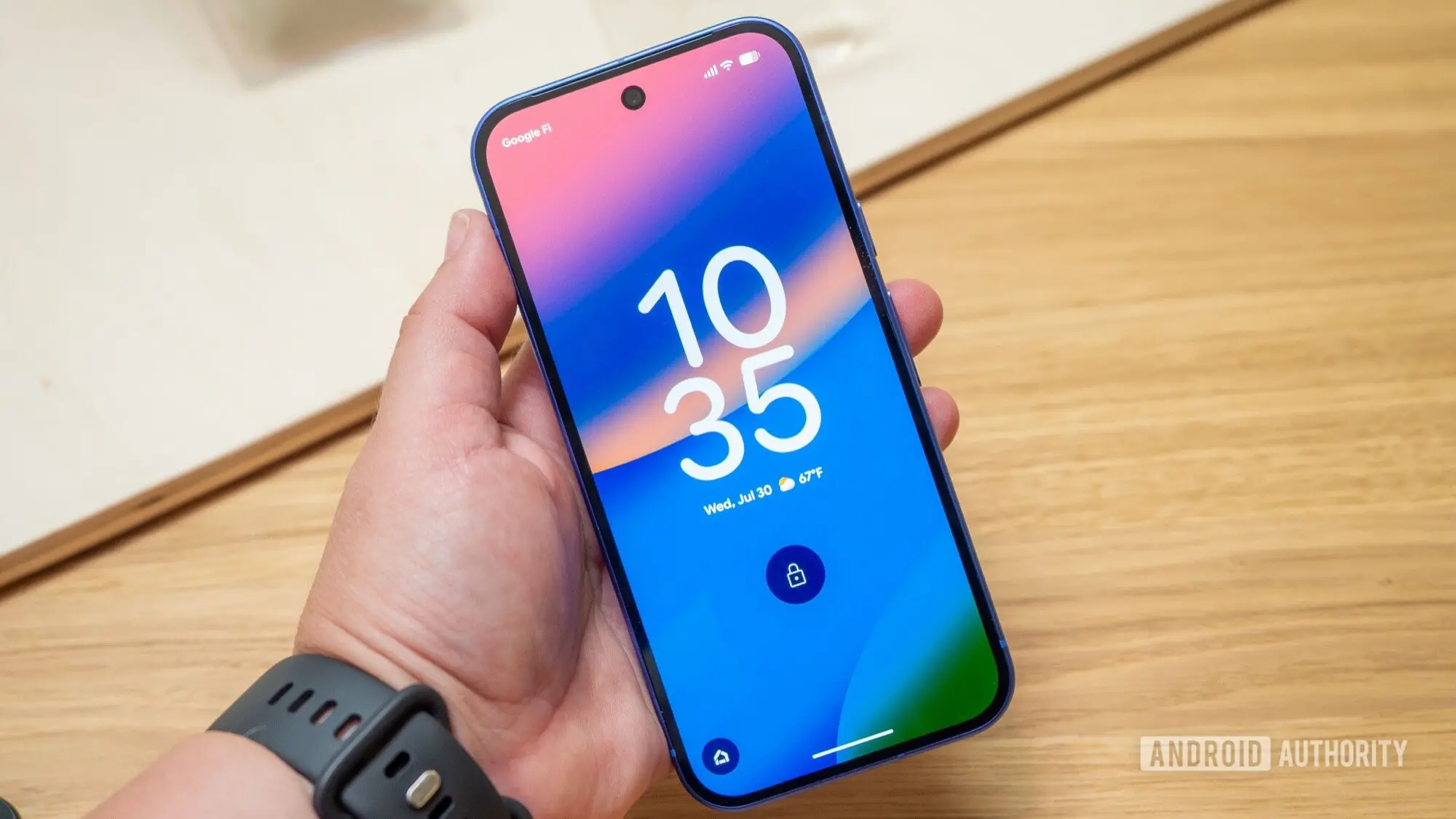
The latest Android Canary 2608 build has started to reveal a new feature that could fundamentally change how you personalize your phone. Google appears to be working on an AI-generated lock screen clock system that would allow users to create entirely original clock designs simply by typing a prompt. The feature was discovered within the code of the newest Canary release, and while it is not yet functional, the user interface is already visible.
Key facts
- The Android Canary 2608 build includes UI elements for an AI-generated lock screen clock feature.
- Users will be able to create custom lock screen clocks by typing AI prompts.
- An Ideas button will provide suggestions for clock styles.
- Users can upload images to serve as references for their prompts.
- The feature is not yet functional, with a Service not connected error indicating server-side dependencies.
- The feature could arrive with Android 17 or as a later Pixel Feature Drop.
What the code reveals
The Android Canary 2608 build includes a range of new additions, most notably a Quick Settings layout editor. This editor lets users rearrange quick settings tiles, adjust the brightness slider, and reposition the media player. However, the build also contains elements pointing to an upcoming lock screen capability.
According to the code, the lock screen clock feature will let users generate custom clock styles using AI prompts. A user could type a phrase like a clock that looks like a sunset or minimalist digital clock with neon accents and the system would generate a corresponding design. The feature appears to be intended for Pixel phones, though ultimately it may be part of Android 17.
One of the more interesting components is an Ideas button. This button will presumably present a variety of suggestions to help users who don't know what style they want. It could show example prompts, trending designs, or even AI-generated concepts based on the user's wallpaper or theme.
Users will also be able to upload an image to use as a reference. Instead of relying solely on text prompts, you can provide a photo of a clock you like, a piece of art, or any other image that captures the aesthetic you want. The AI would then use that image as a visual guide for generating the clock face.
Current status and limitations
Although the UI can be forced to appear, the feature is not currently operational. Submitting a prompt results in an error message that reads Service not connected. This indicates that the actual image generation is not handled locally on the device. Instead, it is likely a server-side feature that Google will activate once the backend infrastructure is ready.
This is common for AI-powered tools because the computational heavy lifting is usually done in the cloud. Text-to-image and style transfer models require significant processing power, and relying on cloud servers also allows Google to update and refine the models without requiring a system update.
It is still unclear when the feature will go live. The UI appears to be finished, which suggests that development is in the late stages. The server-side component, however, is not yet ready. Google could enable the feature at any time, or it could remain dormant until the official Android 17 release.
Expanding lock screen personalization
Android has always allowed users to customize their lock screen to a significant degree. Widgets, clock faces, shortcuts, and wallpapers have been part of Android's flexibility for many years. But the process has often been constrained by the options that phone manufacturers provide. On Pixel devices, the lock screen clock has a few default styles available, but users have limited control over the visual design.
Google's current lock screen customization features include a choice of clock layout, font, and color. There are also options to show upcoming events, notifications, and weather. However, with the introduction of AI generation, the level of personalization could become almost infinite.
The shift to AI-generated content is part of a broader trend across Google's software. The company has been integrating generative AI into everything from search to message suggestions. In recent months, Google has also introduced AI-generated wallpapers on Pixel devices. A feature that lets users create their own wallpapers using text prompts. The lock screen clock feature appears to be the next logical extension of that effort.
How AI image generation is being used in mobile software
The use of generative AI in mobile operating systems is still in its early stages. Samsung has also built AI features into its Galaxy devices, including the ability to edit photos and translate conversations in real time. These features are often powered by on-device models, but some tasks require cloud processing.
On-device AI is faster and more private, but it is also limited by the hardware. For something like generating an entirely new clock face in response to an arbitrary text prompt, a cloud model would likely be more capable. The Service not connected error in the Canary build suggests that Google is indeed relying on a remote service.
This matters because system-level AI features need to be reliable and responsive. Users might be willing to wait a few seconds for a generated wallpaper, but they may be less patient when in a hurry to set up a lock screen. As with any cloud-connected feature, there are also concerns about data privacy. The prompts and image references would likely be sent to Google's servers, and users should be aware of the implications.
Google has not yet provided details about how prompts and uploads will be handled. The company may choose to process everything anonymously or allow users to opt out of data sharing. Historically, Google has been careful about its implementation of AI in consumer products, but the specifics are often worked out over time.
What might the final feature look like
Based on the code and UI elements, we can make some educated guesses about the final product. The first thing users will see when they choose to create a custom clock is likely a text field where they can type a prompt. Below that, there may be an Ideas button that provides suggestions.
Users who prefer to upload a reference image will likely see a thumbnail or an upload button. Once an image is provided, the AI will use it to inform the clock design. The generated clock could include multiple elements, such as the numbers, the hands, and even the background. The final output would then be applied to the lock screen.
The AI model behind this feature would need to understand what a clock is, how to display time, and how to incorporate a user's prompt into a coherent design. This is no small task. It requires a model that can generate text, shapes, and colors in a way that is both functional and aesthetically pleasing.
Whether the AI will create animated clocks is another question. Some modern lock screen clocks on Android support animations, and it would be interesting to see if the AI generation includes options for motion. The code hints only at static visuals, but that could change.
How it could change the Android ecosystem
If Google releases this feature as part of Android 17, it could set a new standard for customizability. Apple has already introduced a stunning lock screen customization system with iOS 16, allowing users to change fonts, widgets, and photo effects. However, even Apple does not allow AI-generated clock faces.
By adding a generative AI layer, Google could leapfrog its competition. Users would no longer be limited to presets. They could create something that matches their personality, mood, or even their outfit. The potential for novelty is enormous.
The feature also represents a step forward in how AI is integrated into the operating system. Instead of being a separate app or assistant, the AI becomes a tool that the system itself uses to create UI components. This could be a preview of a more adaptive future, where the interface is not just drawn from a set of fixed templates, but is generated on the fly based on user intent.
Potential challenges and pitfalls
Generative AI is not without its problems. The technology can produce biased or inappropriate content, and it can also be unpredictable. If the AI generates a clock that is difficult to read, users will be frustrated. The time must be displayed in a clear and unambiguous way, which puts a hard constraint on any creative design.
There is also the possibility that some users will object to the environmental impact of cloud-based AI. Generating images requires server resources, and the energy consumption is substantial. Google has committed to sustainability goals, and it will need to balance the convenience of AI features with environmental responsibility.
Furthermore, a poorly designed interface could confuse users who are not familiar with AI prompts. The Ideas button is a good start, but Google may need to provide tutorials or examples to make the feature accessible to everyone. The company has a track record of making complex technology easy to use, and this will be no exception.
Looking ahead
The presence of the feature in the Canary build is strong evidence that Google is serious about bringing AI-generated clock styles to Android. The company is likely iterating on the design and the underlying AI model, with the goal of delivering a polished experience in a future release.
There is no confirmed timeline for the feature. It might arrive with Android 17, which is expected to launch in 2026, or it could appear earlier as a feature drop for Pixel phones. Given the current state of the UI, the core functionality seems close to ready. The main work is probably happening on the server side.
For users who are excited about the possibility of designing their own lock screen clocks, the wait may not be too long. Google has a habit of rolling out features gradually, starting with Pixel devices and then expanding to other Android manufacturers. Even if the feature is not included in the initial Android 17 release, it could be added later as part of a Pixel Feature Drop.
The integration of AI into the lock screen is a significant development. It shows that Google is looking beyond traditional settings menus and trying to give users a more creative, expressive experience. The lock screen is the first thing you see when you pick up your phone, and soon it might be entirely yours.
The discovery of this feature in the Canary build is an exciting glimpse into the future of Android personalization. As more details become available, we will have a better understanding of how the feature works and when it will ship. For now, the possibilities are endless, and the countdown to a truly personalized lock screen has begun.
Source:Android Authority News